Templates
Share your v0 creations with the community by publishing them as templates. Templates appear in your public profile and can be forked by other users.
A template is a v0 chat published for others to fork and use. When you publish, it appears in the v0 Templates gallery.
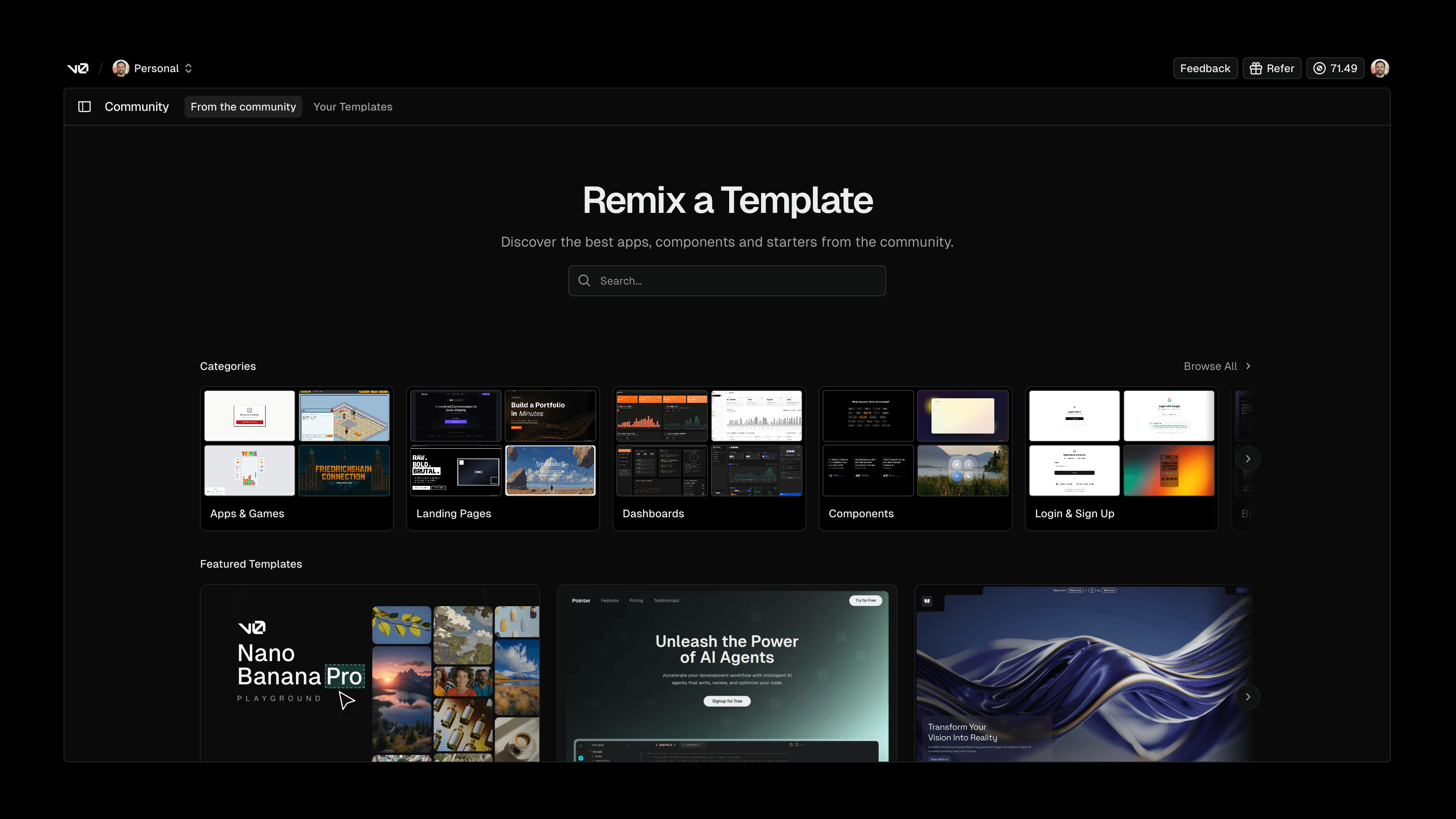
Publishing a template
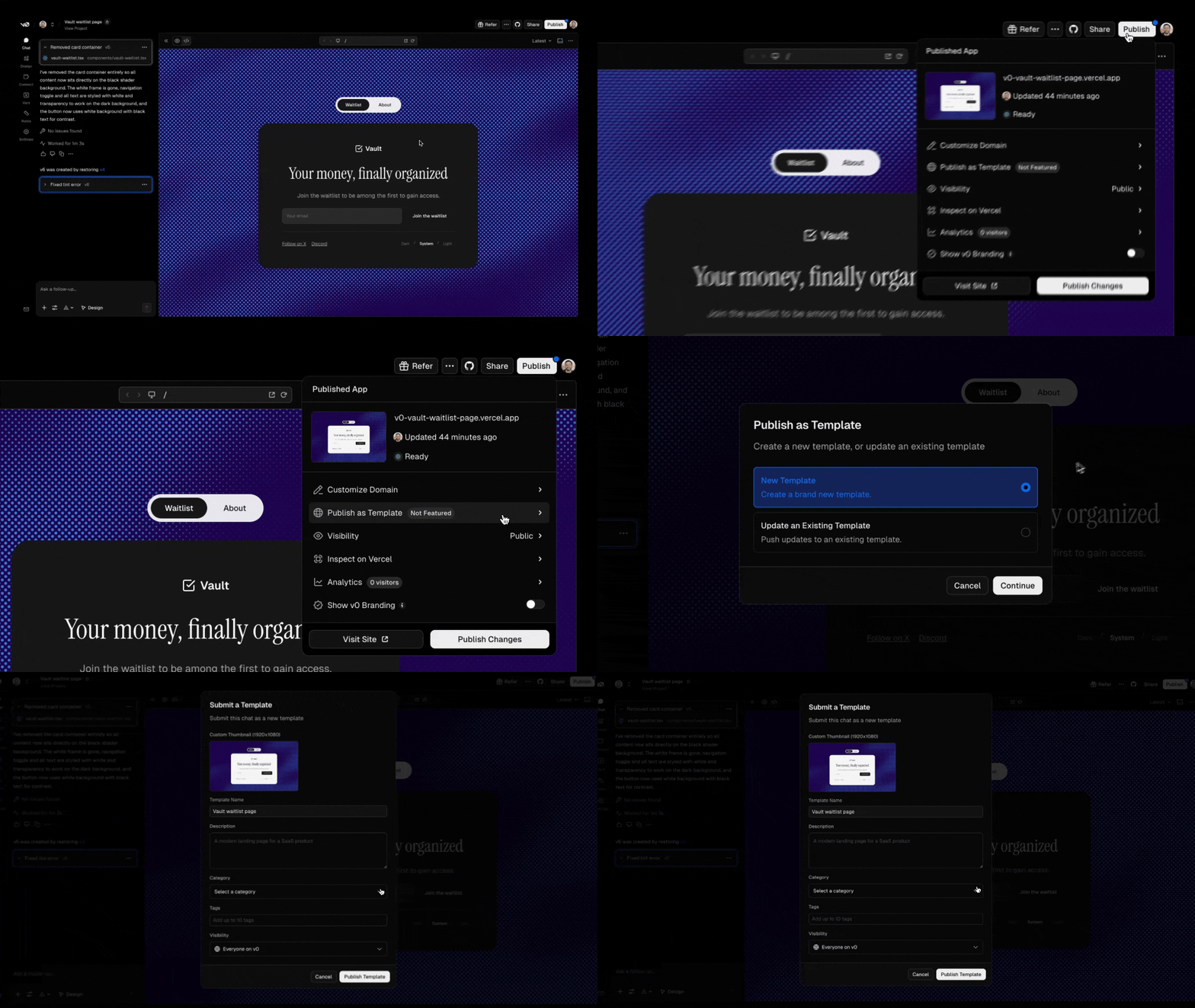
To publish a template from an existing chat:
- Follow Project Menu
...→ Template from the top right corner of your chat. - Click Publish in the "Publish as Template" section.
- Choose whether to create a new template or update an existing one.
- Fill in the template details and click Publish Template.
Template details
When submitting a template, you'll need to provide:
- Template Preview: A 1920x1080 image that represents your template. This is the first thing users see when browsing templates.
- Name: A clear, descriptive name for your template.
- Description: Explain what your template does and what makes it useful.
- Category: Select the most relevant category (e.g., Landing Pages, Dashboards, E-commerce, AI, Components, etc.)
- Tags: Add up to 10 tags to help users find your template.
- Visibility: Control who can see your template. "Everyone on v0" makes it publicly discoverable.
Updating a template
If you've already published a chat as a template and made improvements, go to Project Menu ... → Template again. You'll see an Update button that updates your existing template while keeping the same URL.
Discovering templates
All published templates are listed in the v0 Templates gallery, organized by categories. Users can browse, filter, and search for templates. Popular templates are featured based on forks and likes. Your templates also appear in the Showcase section of your public profile at v0.app/@username.
Featured templates
The best templates are selected and highlighted on the v0 templates gallery. Getting featured gives your template maximum visibility across the platform.
Our team reviews templates daily to ensure quality and safety. We check that templates:
- Don't contain malicious code or harmful content
- Are original work and not duplicated from other templates
- Provide genuine value to the community
Best practices for templates
To create templates that others will find valuable:
- Design matters: Most users choose templates based on how they look. A polished UI/UX and a clear thumbnail will make your template stand out.
- Use descriptive names: Make it clear what the template does immediately.
- Write helpful descriptions: Explain the use case, features, and any setup required.
- Document external APIs: If your template uses non-native integrations, add modals or instructions on how to obtain those API keys.
- Add a README: Include a
readme.mdwith information about the project and suggestions for customization. - Build modular code: Structure your code to be maintainable so users who fork your template can easily scale it.
- Choose accurate categories and tags: Help users find your template through search.
- Share on X: Post your template and tag @v0! We often share community templates to help you reach a wider audience.
Browse the templates gallery